Trending

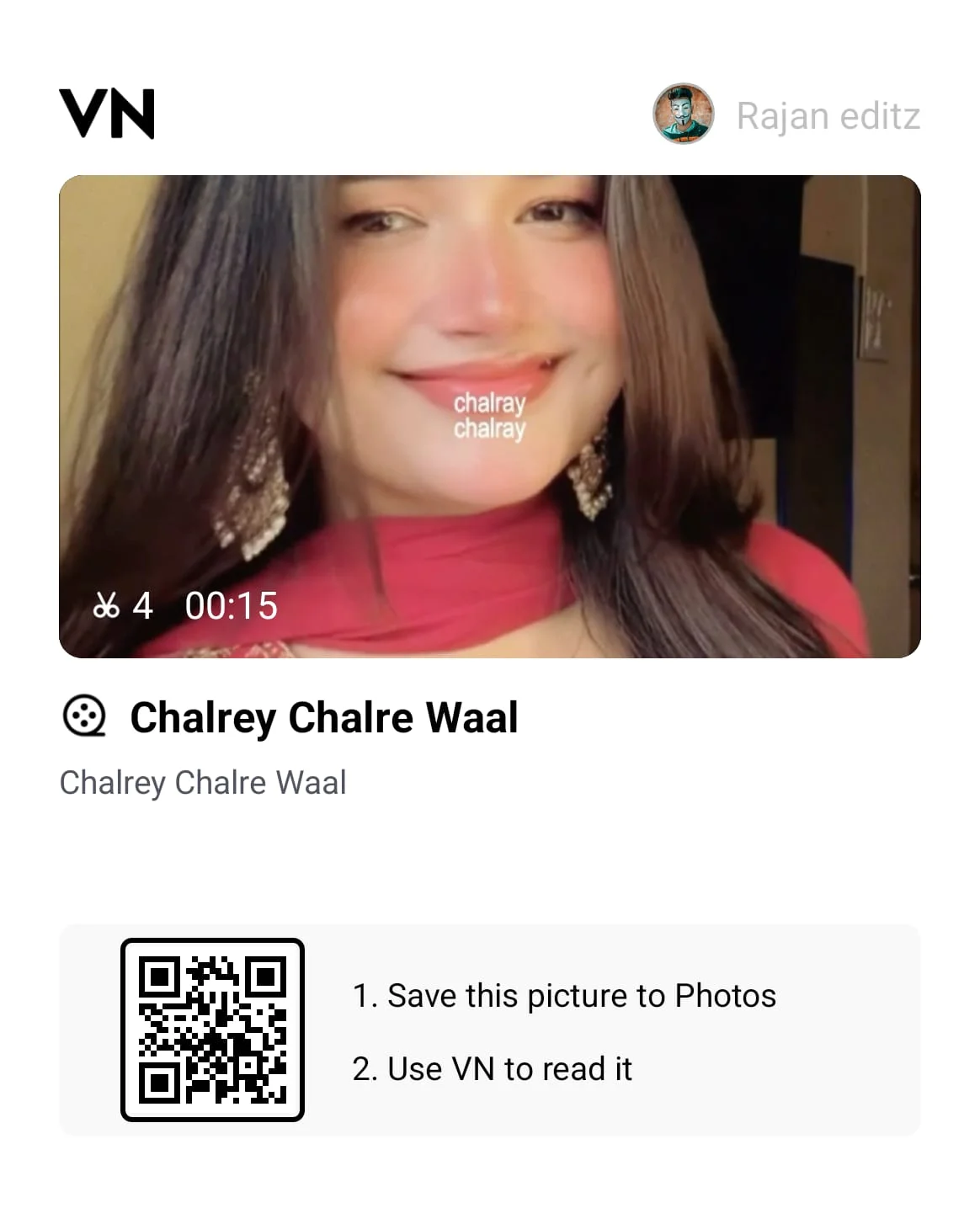
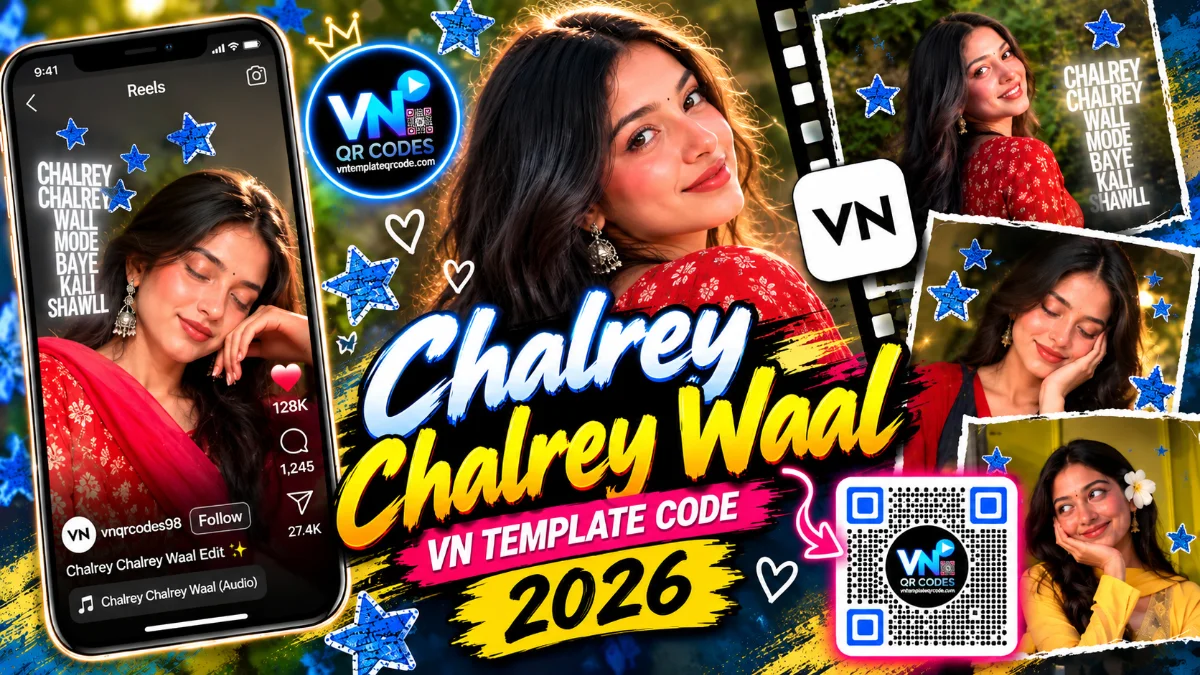
Chalrey Chalrey Wall VN Template Code | Viral Blue Stars Reel

Chalrey Chalrey Wall VN Template Code | Viral Blue Stars Reel

Agar aap Instagram Reels par active hain, toh yeh aesthetic aur soulful Punjabi track har jagah trend karta dikh raha hoga. Is reel ki khas baat iska visual style hai: shuruat me soft smile aur hair-flip ke sath light leaks aati hain, aur beat aate hi screen do hisso me bat jaati hai jisme sparkling blue stars aur moving lyrics add ho jaate hain. Couples aur solo aesthetic creators ke liye yeh reel format bohot fast grow kar raha hai. Agar aapko bhi phone me aisi reel banani hai, toh ye template aapka kaam bina kisi mehnat ke 2 minute me kar dega.

Quick Template Specs

  • Total Photos/Clips needed: 2 se 4 slow-motion portrait ya couple video clips

  • Video Duration: 12 seconds

  • Music Beat Sync: Acoustic beat drop ke sath smooth split-screen transition

  • Best For: Girls, couples, aur aesthetic portrait videos

★ FEATURED VN TEMPLATE PRESET

Featured VN Template Preset #1

VN Template QR Code
⚡ VN TEMPLATE CODE

HD File Locked

Import this trending reel template in 1-click via button below.

↓ Get HD QR Code Below ↓

Step-by-Step Practical Guide

  1. Upar diye gaye QR code ko screenshot lekar apni phone gallery me save kar lijiye.

  2. VN Video Editor app open karein aur home screen ke top-right corner me bane Scan icon par tap karke ye QR code select karein.

  3. Template load hone ke baad "Use Template" par click karein aur apni 2 se 4 slow-motion clips select karein.

  4. Export settings me Resolution ko 1080p aur Frame Rate ko 60 FPS par set karke render karein taaki Instagram par reel blurry na dikhe.

Editor Tips: Reel Ko Aur Sundar Kaise Banaye

  • Lighting & Angles: Yeh template soft aur warm lighting wali clips par sabse sundar lagta hai. Din ke time indirect sunlight me li gayi video ya evening lights ke saamne shoot kiye gaye slow-motion clips isme perfect fit hote hain.

  • Dual Frame Framing: Split-screen hone ki wajah se poora body frame fit nahi hota. Isliye chest-up (close-up) portraits use karein aur agar kisi ka sir cut raha ho, toh VN timeline me clip par tap karke "Crop" option se use thoda sa upar-neeche adjust kar lein.
❓ Frequently Asked Questions (FAQs)

Split-screen me horizontal frame hota hai, isliye full-length video ka sir ya shoulders cut sakte hain. Isko fix karne ke liye VN timeline me us specific clip par tap karein, Crop option me jayein aur video ko ungli se halka sa upar ya neeche slide karke chehre ko frame ke theek center me set kar lein.

Yeh animated blue stars timeline me overlay (PIP) track par layer ke roop me hote hain. Agar koi star aapke chehre ke upar aa raha hai, toh timeline me us overlay layer par tap karein aur screen par do ungliyon se pakad kar usko thoda sa side me ya corner ki taraf drag kar lein.

Haan, bilkul. Yeh text track timeline me editable hota hai. Text layer par tap karke Edit select karein aur aap wahan apna naam, couple initials ya koi doosri romantic line likh sakte hain, motion animation waisa hi rahega.

High-framerate videos ko jab split screen aur overlay ke sath play kiya jata hai toh phone par timeline preview thoda lag ho sakta hai. Isse bachne ke liye VN ki settings me jakar Preview Performance ko 720p par set kar lein. Isse editing smooth ho jayegi aur export hamesha poori 1080p 60 FPS quality me hi niklega.

Sandeep Gupta - Senior Video Editor & Animation Specialist
Written By Sandeep Gupta ✓ Senior Video & Animation Editor

Senior Video Editor and Motion Graphics & Animation Specialist with 7+ years of experience crafting viral transitions, velocity curves, and masterclasses for short-form video creators.

View Sandeep Gupta's Profile & Video Tutorials →

đŸ”Ĩ Trending VN Templates & Tutorials

Explore more viral Instagram reel presets, beat drop codes & mobile editing guides

View All →
Copied to clipboard!