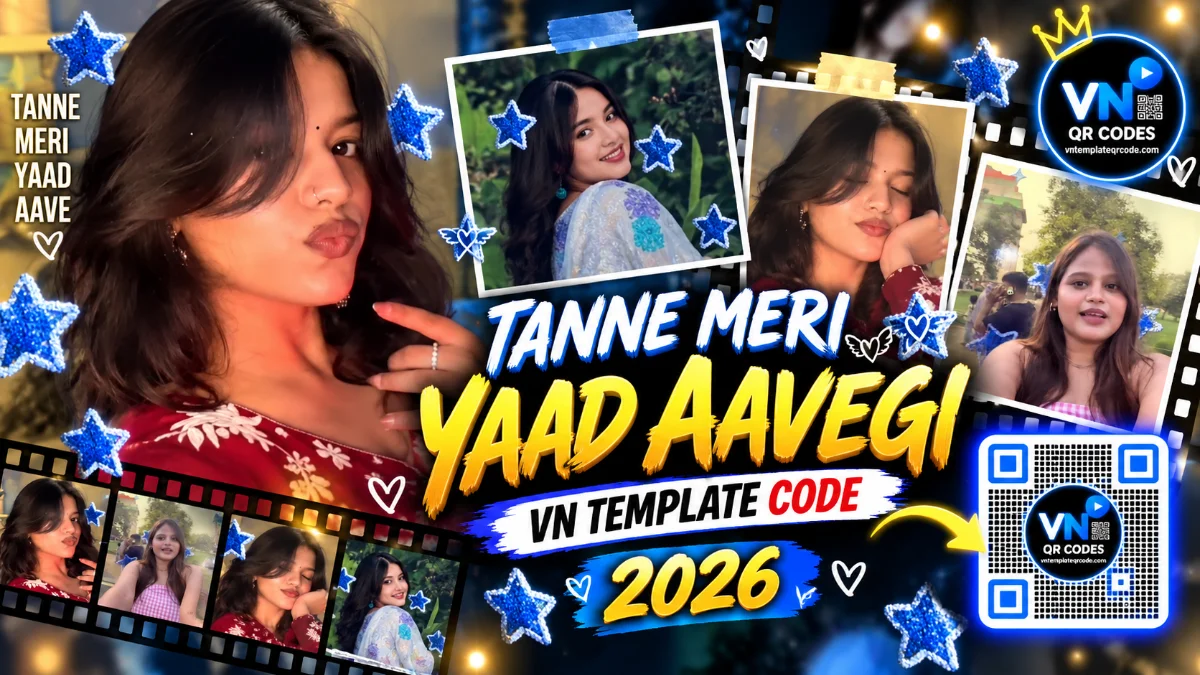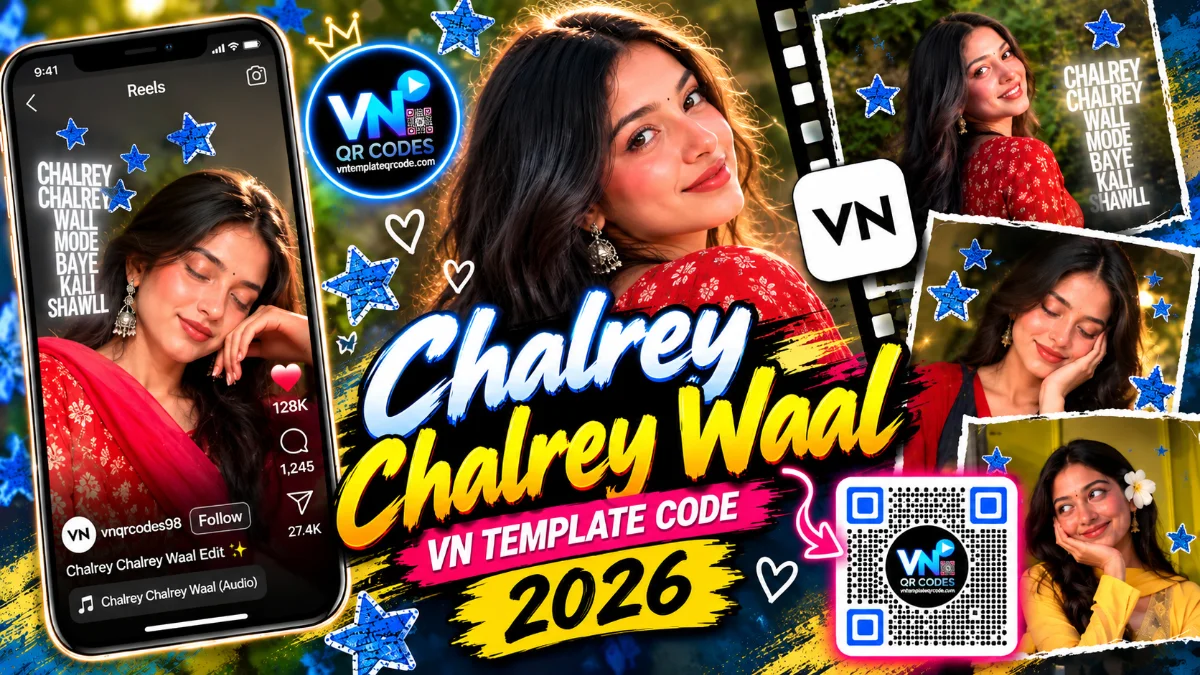
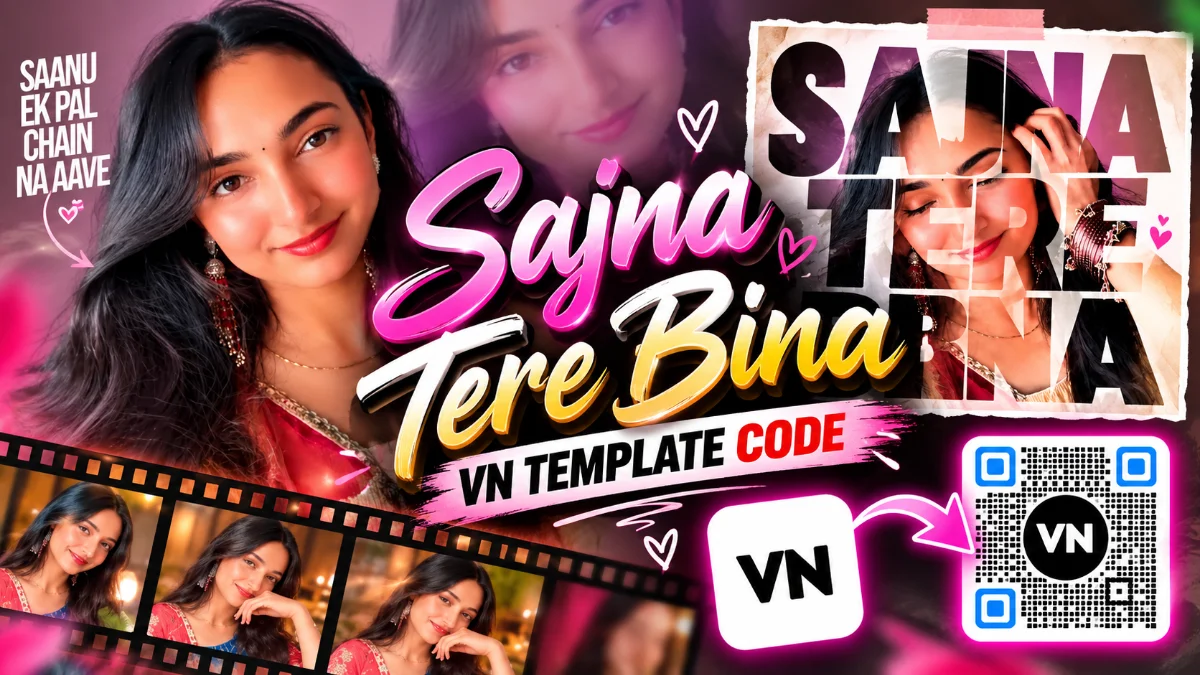
Agar aap Instagram Reels ya YouTube Shorts regularly scroll karte hain, toh aapne yeh smooth, soulful Sufi-pop trend zaroor dekha hoga. Timeless track "Sajna Tere Bina / Saanu Ek Pal Chain Na Aave" par bana yeh aesthetic portrait video format abhi female creators aur lifestyle vloggers ke beech massive trend kar raha hai. Reel ka sabse bada attraction iska unique intro visual hai: screen par pehle huge bold transparent cutout text mask "SAJNA TERE BINA" appear hota hai jisme se subject ka face softly reveal hota hai, aur fir camera smooth zoom ke sath full cinematic frame mein open ho jata hai jahan synchronized kinetic typography lyrics naturally float karti hain.
Lekin smartphone par manually transparent cutout text masks create karna, video clips ko layers ke andar mask karna, aur lyrics ko exact beat par time karna kaafi technical aur time-consuming task hota hai. Is lengthy editing process ko bypass karne ke liye vntemplateqrcode.com lekar aaya hai fully verified vn template. Hamare verified vn template qr codes ke through mask layers, subtle zoom curves, aur side-floating typography pehle se timeline mein set milti hain. Bas QR code scan karke apne portrait videos drop karne hote hain aur bina kisi hassle ke studio-level reel ready ho jaati hai.
Quick Template Overview
| Feature | Specification |
|---|---|
| Compatible App | VN Video Editor (Android, iOS & PC) |
| Aspect Ratio | 9:16 (Vertical Fullscreen for Reels, Shorts & TikTok) |
| Clips / Photos Required | 3 to 6 Slow-Motion Aesthetic Portrait Clips or Photos |
| Audio Sync | Sajna Tere Bina / Saanu Ek Pal Acoustic Pop Beat Sync |
| Visual FX Included | Bold Text Cutout Mask Intro, Subtle Zoom-In & Kinetic Lyric Overlay |
| Recommended Filter | Warm Retro / Soft Honey Gold LUT |
| License & Access | 100% Free on vntemplateqrcode.com |
Why This VN Template Goes Viral on Instagram Reels
Instagram algorithm un reels ko Explore aur Discover feeds par prefer karta hai jo opening second mein hi attention grab kar leti hain. Yeh vn templates structure isliye high retention generate karta hai:
- The Innovative Cutout Mask Hook: Video basic photo slide se shuru nahi hoti. Bada cutout typography mask viewer ko curious banata hai ki text ke peeche kaun hai, jo scroll-stopping power ko double kar deta hai.
- Aesthetic Warmth & Lighting: Soft indoor lighting, warm yellow traditional kurtas ya chic casual outfits ke sath yeh edit extremely soothing aur premium lagta hai.
- Subtle Kinetic Typography: Screen ke side mein clean, vertical animated lyrics "SAANU EK PAL CHAIN NA AAVE" smoothly fade-in hoti hain, jo bina subject ka face hide kiye professional aesthetic provide karti hain.
- Clean Unbranded Export: Jab aap vntemplateqrcode.com se verified project download karte hain, toh final render par koi watermark ya distracting third-party logos nahi hote.
The Secret Behind Smooth Velocity & Speed Curves
Aesthetic portrait videos tab natural lagti hain jab camera ki motion human breathing jaisi subtle aur smooth ho. Is vn template code mein dynamic Bezier Speed Curves ka use kiya gaya hai.
Jaise hi intro text mask dissolve hota hai, video seedha fast cut nahi leti balki 0.6x smooth deceleration par move karti hai right as subject poses or tilts head, aur fir 1.2x par gently settle ho jaati hai. Yeh slow micro-zooming effect viewer ke focus ko subject ke expression par lock kar deta hai, jisse watch-time badhta hai aur video Explore feed par smoothly rank hoti hai.
Get Your Free VN Template QR Code
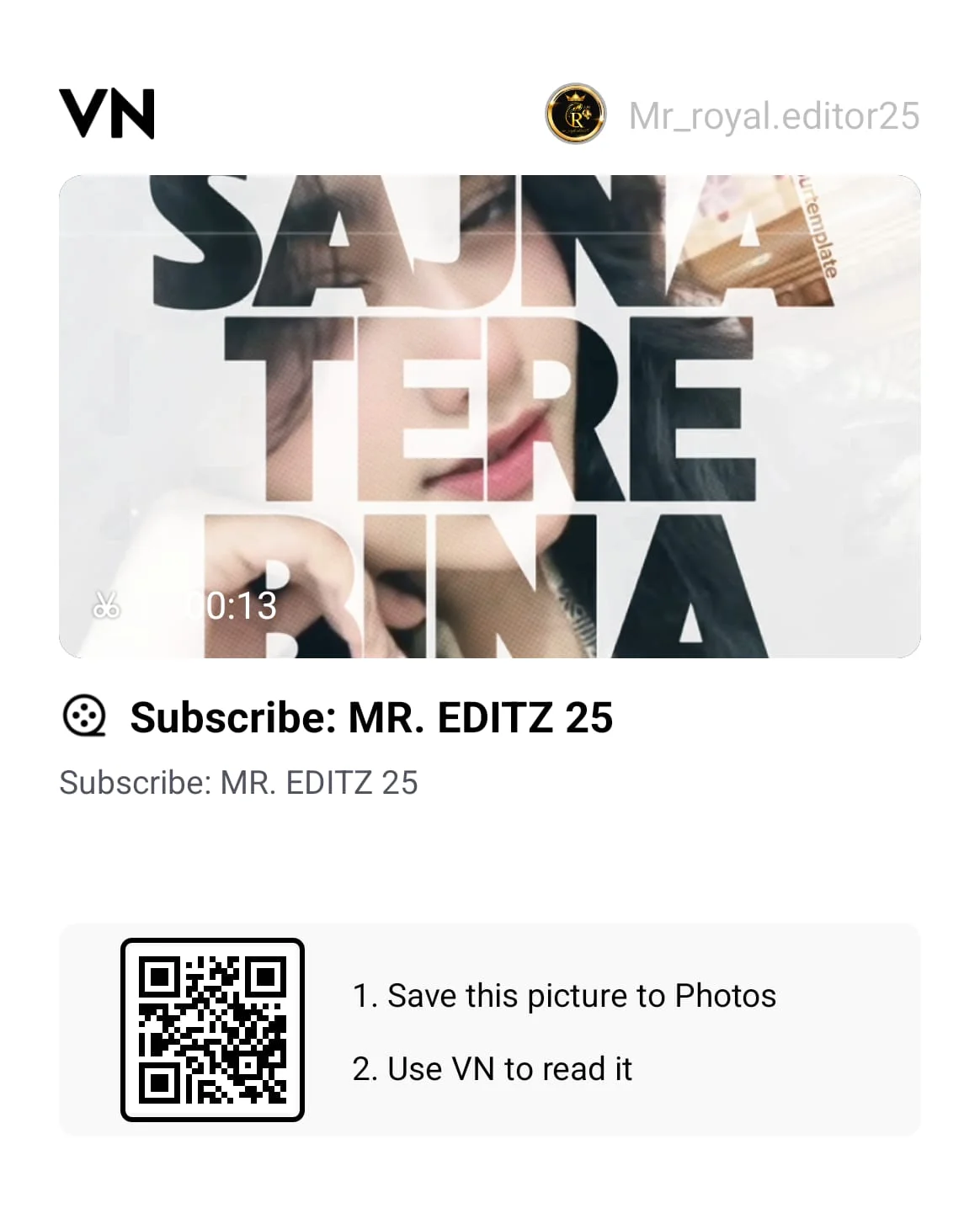
Neeche diye gaye verified QR code ko direct apne VN Video Editor app mein scan karein aur complete timeline instant load karein:
Featured VN Template Preset #1
How to Scan & Use This Template in VN Video Editor
- Upar diye gaye verified QR code graphic ko vntemplateqrcode.com se apne phone ki photo gallery mein save karein.
- Apne smartphone par official VN Video Editor app open karein.
- Home screen ke top-right corner par bane Scan icon par tap karein.
- Scanner interface mein gallery icon choose karke downloaded QR code select karein.
- Download Template par click karein. Assets download hone ke baad Use Template dabayein aur apne portrait clips select karein.
- Preview check karke framing adjust karein aur apna high-quality reel export karein!
Pro Creator Settings: Avoid Instagram Blur & Color Grade
Portrait videos mein face clarity aur skin tones sabse critical hoti hain. Instagram compression se bachne aur natural glowing tone pane ke liye ye settings follow karein:
- Optimal Export Configurations:
- Resolution: 1080p (4K export na karein; Instagram usse downscale karke skin texture ko blurry bana deta hai).
- Frame Rate: 60 FPS (Subtle hair movement aur slow-motion head turns ko crystal-clear rakhne ke liye 60 FPS best hai).
- Bitrate: Manually 25 Mbps se 28 Mbps (VBR) set karein, jo clear dynamic range deta hai bina file crush hue.
- Warm Honey Glow Color Grading Formula: VN ke filter adjustments mein ye quick tweaks apply karein:
- Warmth: +12 (Face par soft golden glow aur yellow outfit ko vibrant banata hai).
- Contrast: +8 (Background decor aur subject ke beech depth create karta hai).
- Highlights: -10 (Overhead indoor ring light reflection ko tame karta hai).
- Sharpen: +12 (Eyes, eyelashes, aur jewelry details ko sharp highlight deta hai).
- Vignette: +6 (Corners ko halka dark karke focus center portrait par rakhta hai).
Troubleshooting & Common Fixes
"QR Code Not Scanning or Network Error": Agar VN scanner code parse nahi kar pa raha hai, ensure karein ki QR code image gallery mein crop ya compress na hui ho. Hamesha vntemplateqrcode.com se fresh uncropped file save karein, active internet connection rakhein, aur VN app ko latest 2026 version par update rakhein.
"Text Cutout Mask Not Aligning Over Face": Agar aapki imported video mein face text ke edges ke peeche hide ho raha hai, toh clip slot par tap karke **Crop / Transform** choose karein aur video ko slightly zoom-in ya drag karke center letters (J-N-A) ke visual opening ke andar align karein.
Conclusion
Aesthetic soulful reels hamesha high replay value generate karti hain kyunki inka visual charm aur soothing audio viewer ko baar-baar dekhne par majboor karta hai. vntemplateqrcode.com ke is verified vntemplateqrcode preset ke sath aapko complex masking aur keyframing seekhne ki zaroorat nahi hai. Bas QR code scan karein, apne best portrait shots drop karein, 1080p 60fps par export karein, aur apna viral aesthetic reel Instagram par live karein!