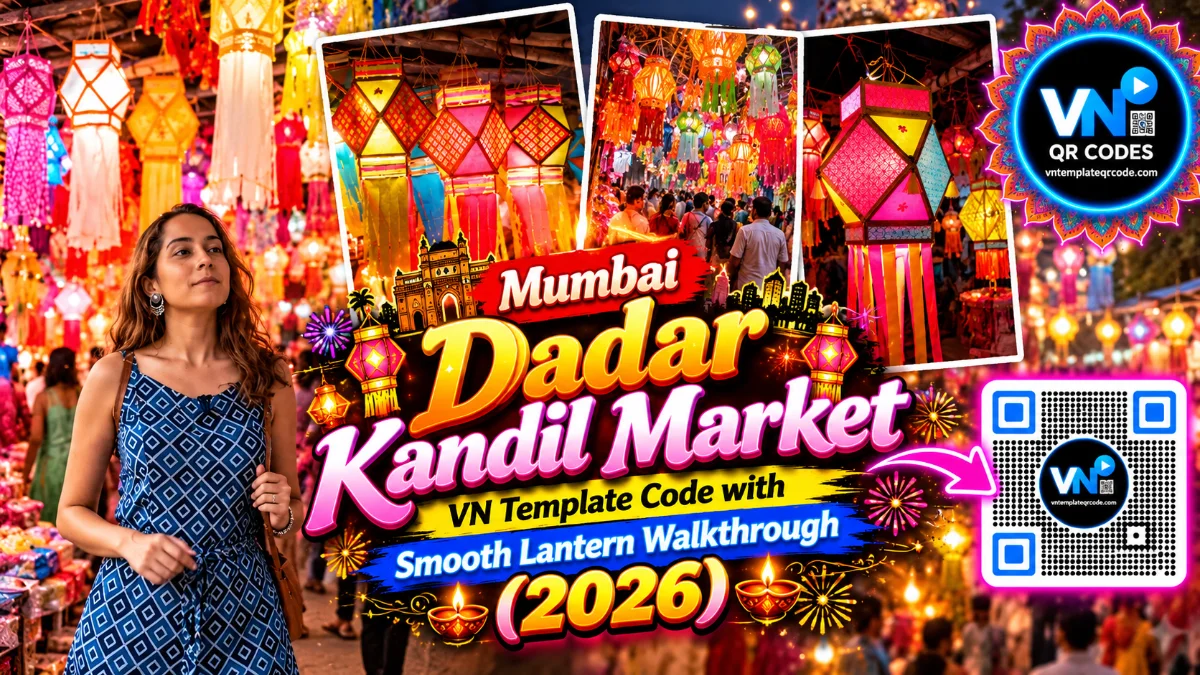
Diwali season mein agar aap Mumbai mein hain ya social media par festive shopping reels dekh rahe hain, toh Dadar ki mashhoor Kandil Galli ka colorful nazara sabse pehle dil jeet leta hai. Har taraf latakte hue traditional handmade aakash kandil, glowing fairy light strings, hand-crafted paper lamps, aur festive bheed ki excitement poore street ko ek magical glowing wonderland bana deti hai. Instagram Reels aur YouTube Shorts par abhi "Dadar Kandil Galli / कंदील गल्ली" shopping walk videos bohot zyada viral ho rahi hain. Log ambient festive music par quick cuts aur smooth speed ramps ke sath apne festive market moments ko share kar rahe hain aur in reels ko Discover aur Explore par zabardast engagement mil raha hai.
Lekin real market ki bheed mein shoot kiye gaye raw footage ko manually edit karna kaafi mushkil hota hai. Dynamic street lights, moving shoppers, aur alag-alag angles se liye gaye 10 se 14 clips ko ek smooth visual beat par fit karna do se teen ghante ka waqt le leta hai. Isi problem ko solve karne ke liye vntemplateqrcode.com lekar aaya hai verified vn template. Hamare verified vn template qr codes ke through poora timeline, velocity curve, aur light flash transition pehle se set milta hai. Bas QR code scan karke apne market clips drop karne hote hain aur kuch hi second mein crisp festive reel ready ho jaati hai.
Quick Template Overview
| Feature | Specification |
|---|---|
| Compatible App | VN Video Editor (Android, iOS & PC) |
| Aspect Ratio | 9:16 (Vertical Fullscreen for Reels, Shorts & TikTok) |
| Clips / Photos Required | 10 to 14 Diwali Market, Lantern & Light Clips |
| Audio Sync | Pre-synced Traditional Ambient Festive Melody |
| Visual FX Included | Slow Walkthrough Intro, Quick Rhythm Beat Cuts & Soft Light Leaks |
| Recommended Filter | Warm Amber / Golden Festive Glow LUT |
| License & Access | 100% Free on vntemplateqrcode.com |
Why This VN Template Goes Viral on Instagram Reels
Social media algorithm un reels ko automatically push karta hai jinka opening hook strong ho aur visual pacing audience ko end tak roke rakhe. Yeh vn templates edit isliye itna popular ho raha hai:
- The Authentic Market Street Hook: Video ki shuruat traditional Hindi/Marathi "Dadar कंदील गल्ली" typography aur beautifully lit handmade paper lanterns se hoti hai, jo festive shopping karne walon ka attention turant kheench leti hai.
- Vibrant Cultural Colors: Bright magenta, neon green, bright yellow, aur golden paper tassels ka visual blend viewer ko ek warm festive nostalgia deta hai, jisse log comment aur share zyada karte hain.
- Candid Street Life Moments: Sirf decorative items hi nahi, balki local craftswomen, street vendors, aur customers ke genuine smiles is edit ko natural aur human touch dete hain.
- Zero App Watermark: Jab aap vntemplateqrcode.com se verified project download karte hain, toh aapka export bilkul clean hota hai bina kisi extra watermark ya branding cut ke.
The Secret Behind Smooth Velocity & Speed Curves
Market vlog reels tab kharab lagti hain jab camera movement bohot shaky ya constant flat speed par ho. Is issue ko handle karne ke liye is vn template code mein custom Bezier Speed Curves ka use kiya gaya hai.
Jaise hi camera kisi kandil ya light display ke paas se guzarta hai, clip pehle 1.6x ki speed par push hoti hai, aur exactly jab visual ka sabse sundar angle samne aata hai toh speed drop hokar 0.5x smooth slow-motion par aa jaati hai. Yeh dynamic acceleration viewer ke attention span ko hold karke rakhta hai, jisse retention rate badhta hai aur video Explore page par easily recommend hoti hai.
Get Your Free VN Template QR Code
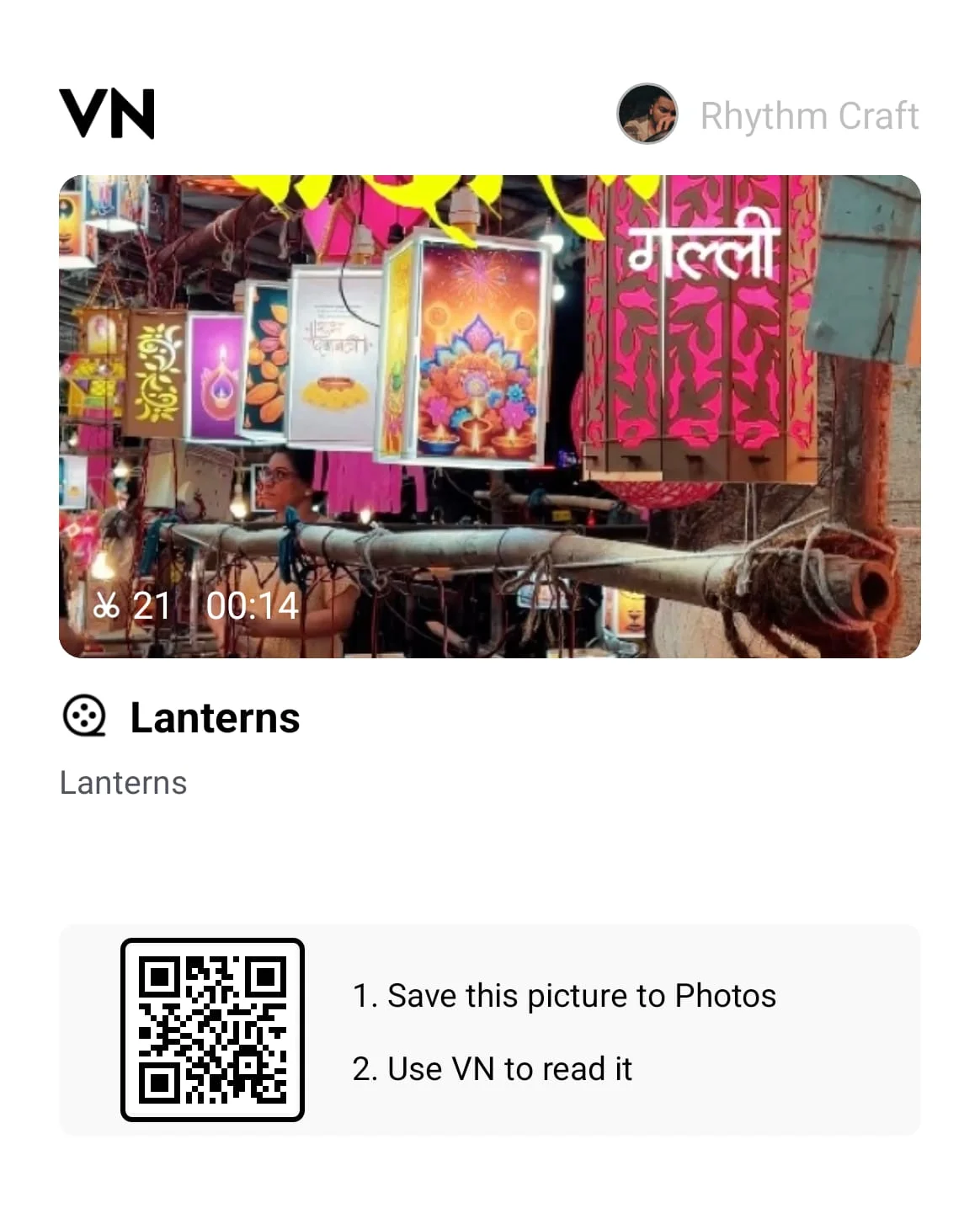
Neeche diye gaye verified QR code ko seedha apne VN Video Editor app mein scan karein aur complete timeline instant load karein:
Featured VN Template Preset #1
How to Scan & Use This Template in VN Video Editor
- Upar diye gaye verified QR code graphic ko vntemplateqrcode.com se apne phone ki photo gallery mein save karein.
- Apne smartphone par official VN Video Editor app open karein.
- Home screen ke top-right corner par bane Scan icon par tap karein.
- Scanner interface mein gallery icon choose karke downloaded QR code select karein.
- Download Template par click karein. Assets download hone ke baad Use Template dabayein aur apne kandil market ke clips order mein select karein.
- Preview check karke framing adjust karein aur apna high-quality reel export karein!
Pro Creator Settings: Avoid Instagram Blur & Color Grade
Diwali night markets mein flickering LED strings aur yellow bulb lights hoti hain jo upload ke time Instagram compression ki wajah se pixelated ho sakti hain. Clear video quality maintain karne ke liye ye settings follow karein:
- Optimal Export Configurations:
- Resolution: 1080p (4K mein export na karein; Instagram 4K files ko downscale karke blurry bana deta hai).
- Frame Rate: 60 FPS (Market walking shots aur swinging lanterns ke smooth frame flow ke liye 60 FPS zaroori hai).
- Bitrate: Manually 25 Mbps se 28 Mbps (VBR) par set karein, jo Meta ke servers ke liye sabse balance bitrate range hai.
- Night Market Color Grading Formula: VN ke filter adjustments mein ye quick tweaks apply karein:
- Contrast: +10 (Lanterns ke colors aur night stalls ke shadows ko sharply separate karta hai).
- Warmth: +12 (Halogen bulbs aur paper lanterns ke golden glow ko rich banata hai).
- Highlights: -14 (Overhead exposed hanging light bulbs ko control karta hai taaki white patches na bane).
- Vignette: +8 (Frame ke sides ko darken karke focus center ke lanterns par rakhta hai).
- Sharpen: +12 (Paper cutout designs aur cloth patterns ke micro-details sharp karta hai).
Troubleshooting & Common Fixes
"QR Code Not Scanning or Network Error": Agar VN scanner code read nahi kar pa raha hai, toh check karein ki image auto-crop na hui ho. Hamesha vntemplateqrcode.com se clear image save karein, template load hote waqt active internet connection rakhein, aur VN app ka latest 2026 build use karein.
"Multiple Clips Load Hone Par Timeline Stutter": Agar multiple 4K/60fps clips load karne se preview lag ho raha hai, toh VN settings mein jaakar Preview Quality ko 720p par set karein. Isse editing smooth ho jayegi aur final output 1080p 60fps par hi export hoga.
Conclusion
Diwali markets ki festive energy aur warm vibes har saal ek special feeling deti hain, aur aapka content bhi usi quality ka hona chahiye. vntemplateqrcode.com ke is verified vntemplateqrcode preset ke sath aapko ghanto timeline trimming karne ki zaroorat nahi hai. Bas QR code scan karein, apne favorite shopping moments drop karein, 1080p 60fps par export karein, aur apna viral festival reel Instagram par live karein!