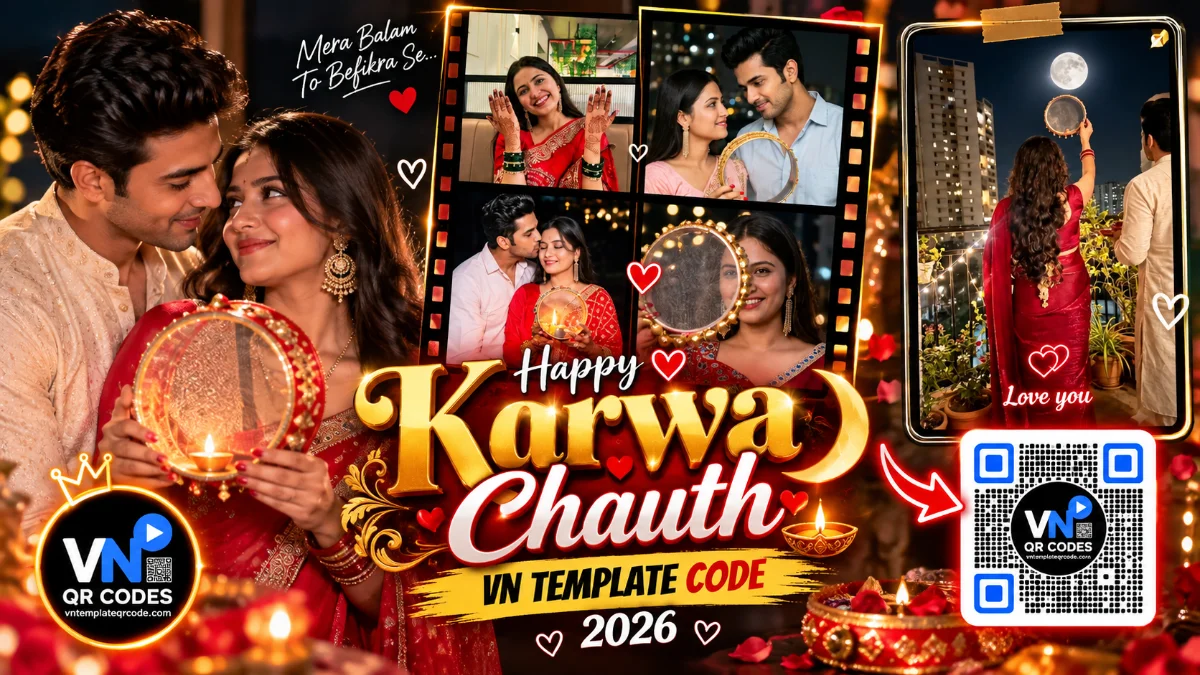

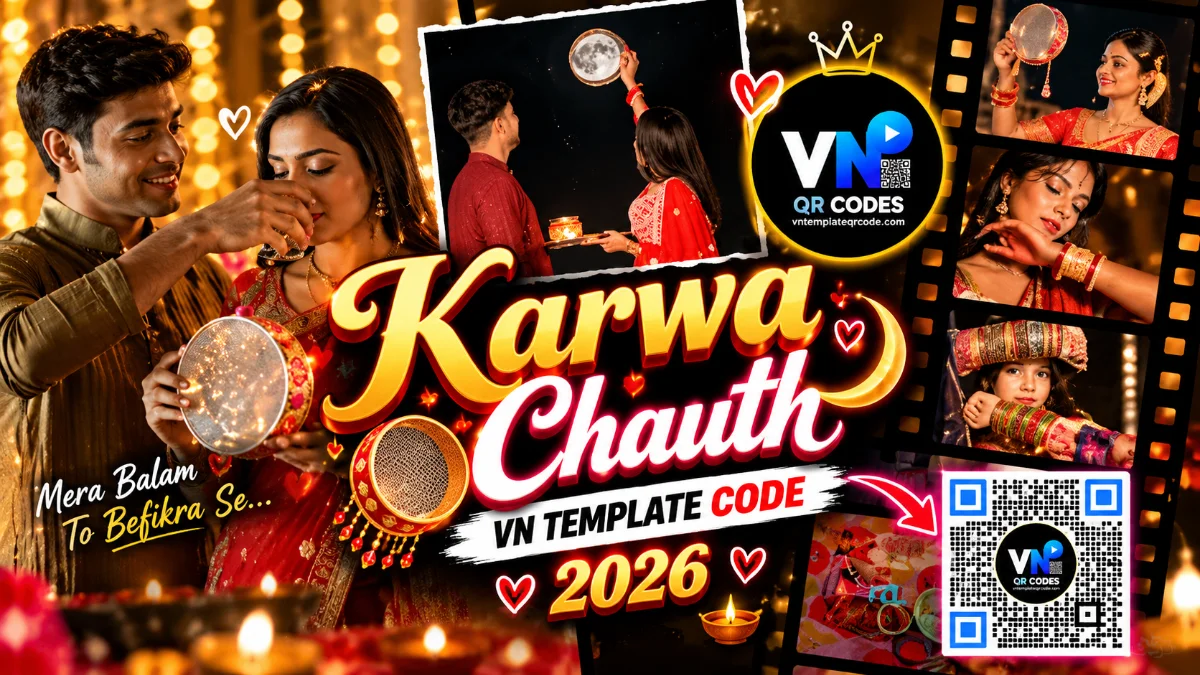
Karwa Chauth is all about capturing timeless romantic traditions, warm festival lights, and beautiful candid memories with your partner. Right now on Instagram, a special couple edit is trending where the video opens with an aesthetic 4-photo grid collage, reveals a glowing festive diya badge in the center, and smoothly cuts into elegant rounded card frames on the beat. If you want to transform your festive photos into a heartwarming reel without spending hours editing on your phone, this ready-to-use template does the job in just two minutes.
Quick Template Specs
Total Photos/Clips needed: 7 to 10 high-resolution photos or short video clips
Video Duration: 15 seconds
Music Beat Sync: Romantic acoustic melody with smooth cross-dissolves
Best For: Newlyweds, couples, and festive family memories
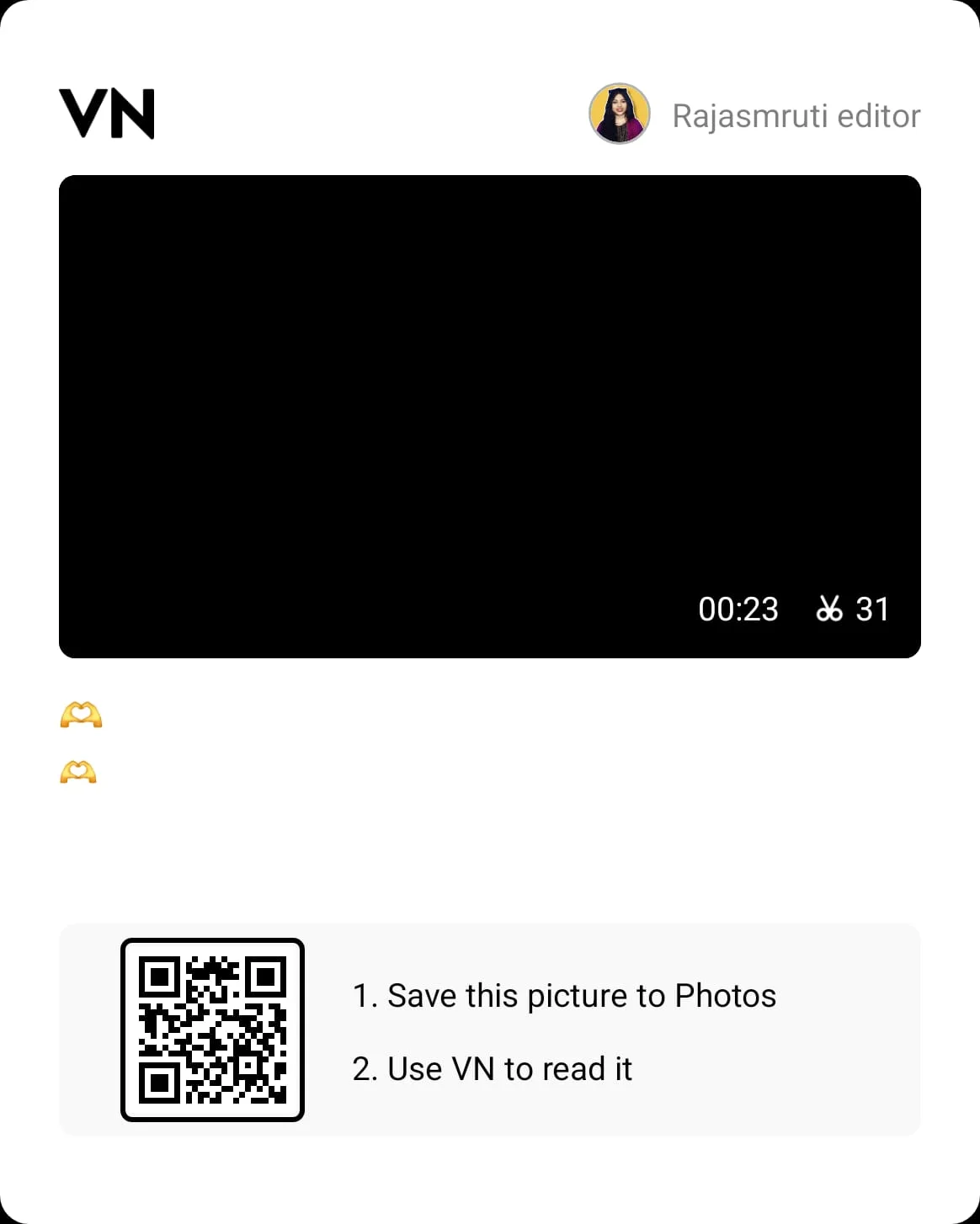
Featured VN Template Preset #1
Step-by-Step Practical Guide
Save the QR code image above directly to your smartphone's gallery.
Open the official VN Video Editor app and tap the Scan icon located in the top-right corner.
Select this saved QR code image from your gallery to load the project timeline.
Tap "Use Template" and select your 7 to 10 festive photos in chronological order.
While exporting, choose 1080p resolution and 60 FPS frame rate so your reel stays sharp and smooth after uploading to Instagram.
Real Editing Tips for Better Results
Photo Selection: For the opening 4-photo grid, mix different angles instead of using four similar poses. A close-up of mehendi-adorned hands, a shot of the puja thali or traditional sieve (chhalni), and two candid couple portraits will make your reel look instantly high-end.
Framing Adjustment: If someone's face is slightly cut off in the rounded card frames, tap that specific photo inside the VN timeline, select the "Crop" option, and gently drag the frame until both faces are centered.