
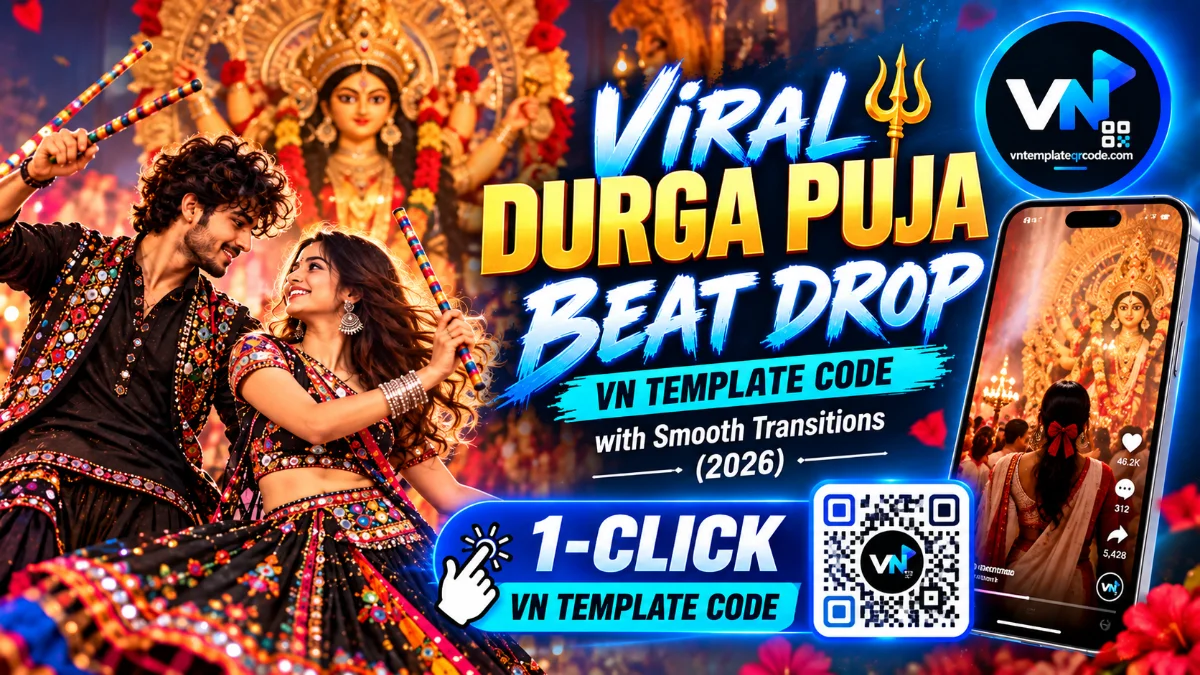
If you have spent any time scrolling through Instagram Reels or TikTok this festive season, you have definitely heard that rhythmic, slow heartbeat audio right before an explosion of dhol beats and festive cheers. The viral "What makes your Heart beat? 🫀" trend has taken social media by storm, becoming the go-to edit style for capturing high-energy Navratri nights, Garba circles, and divine Durga Puja celebrations. It starts on a moody, pitch-black screen with emotional text, pauses for a breath, and then erupts into a fast-paced visual montage filled with spinning dancers, colorful traditional chaniya cholis, and sacred idol darshan.
Every creator wants to hop on this viral trend, but putting it together from scratch is an absolute headache. Slicing more than a dozen clips, matching each transition to the exact beat drop, building horizontal split screens, and timing smooth velocity ramps usually takes hours of tedious editing. That is why using a pre-made vn template from vntemplateqrcode.com is a total game changer. With our verified vn template qr codes, the entire timeline structure, zoom flashes, and split screens are already built for you. You simply scan the code, drop your favorite clips into the project, and export a ready-to-post cinematic reel in seconds.
Quick Template Overview
| Feature | Specification |
|---|---|
| Compatible App | VN Video Editor (Android, iOS & PC) |
| Aspect Ratio | 9:16 (Fullscreen Vertical for Reels & Shorts) |
| Clips / Photos Required | 10 to 14 Festival, Garba, or Devotional Clips |
| Audio Sync | Pre-synced Heartbeat Intro to Fast Festive Drop |
| Recommended Filter | Warm Cinematic / Golden Amber LUT |
| Visual FX Included | Horizontal Multi-Split Screen, Flash Transitions & Velocity Ramping |
| Price & Access | 100% Free on vntemplateqrcode.com |
Why This VN Template Goes Viral Instantly
Viral reels rarely blow up by accident. They rely on smart pacing and psychology to keep viewers from swiping away. Here is what makes this specific vn templates edit so effective on the feed:
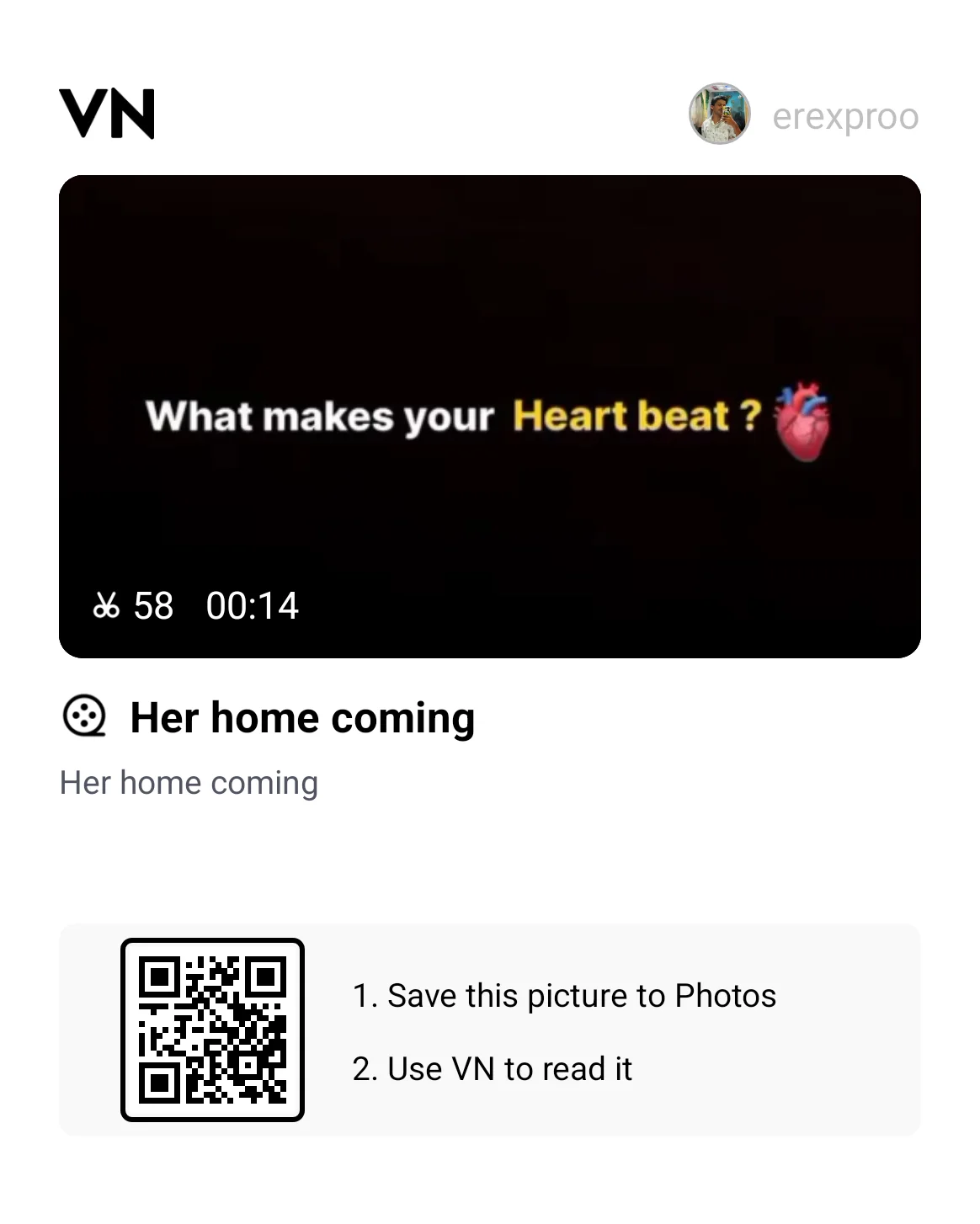
- The Scroll-Stopping Hook: The video opens on a quiet, black screen displaying the bold question "What makes your Heart beat? 🫀". That simple visual question creates immediate curiosity, forcing viewers to stop scrolling and wait for the payoff.
- The Emotional Beat Drop: The slow buildup snaps straight into an adrenaline rush. The sudden transition to Maa Durga's divine eyes, vibrant stage lighting, and synchronized dandiya beats delivers a huge emotional punch.
- Multi-Frame Split Screen Action: Instead of showing just one angle, the template slices the middle section into multiple horizontal strips. This lets you showcase spinning dancers, crowd reactions, and festive decorations all at the same moment without cluttering the screen.
- Zero Watermark Guarantee: When you grab this project directly from vntemplateqrcode.com, your final export stays clean without annoying trial watermarks, keeping your edit looking completely professional.
The Secret Behind Smooth Velocity & Speed Ramping
Most basic reels feel flat because they use simple jump cuts. In contrast, this vn template code relies on a dynamic Bezier Speed Curve. Instead of running at a flat 1.0x speed, each dance clip starts with a fast snap, decelerates smoothly (around 0.4x) right as the lehenga flares or dandiya sticks collide, and immediately rockets forward on the next drum strike.
This subtle fast-in, slow-out motion trick tricks the viewer's brain into perceiving high production value. Because the visual rhythm stays locked to the audio peaks, viewer watch time skyrockets—and higher watch time is the number one metric the Instagram algorithm uses to push reels to the Explore page.
Get Your Free VN Template QR Code
Scan the verified interactive QR code below directly inside the VN app to load the complete project timeline:
Featured VN Template Preset #1
How to Scan & Use This Template in VN Video Editor
- Save the verified QR code image above from vntemplateqrcode.com directly to your phone's photo gallery.
- Open the VN Video Editor app on your Android or iPhone.
- Tap the Scan icon located in the top-right corner of the home screen.
- Tap the gallery icon inside the scanner screen and choose the saved QR code image.
- Tap Download Template. Once downloaded, tap Use Template and fill each slot with your festival footage in sequence.
- Preview your reel, tweak any clip positions if needed, and hit export!
Pro Creator Settings: Avoid Instagram Blur & Color Grade
Nothing ruins a great edit faster than Instagram compressing your video into a blurry mess. To keep your reel crisp and clean, use these creator-tested export and grading settings:
- The Best Export Settings:
- Resolution: 1080p (Do not export at 4K. Instagram compresses 4K files harshly, which often creates pixelated artifacts).
- Frame Rate: 60 FPS (Crucial for keeping fast garba spins and rapid camera pans silky smooth).
- Bitrate: Set to manual between 25 Mbps and 28 Mbps. This sits right in the sweet spot for Meta's upload servers.
- Quick Color Grading Formula: Festive night events often suffer from harsh stadium lights or muddy shadows. In VN's filter adjustments, try these quick tweaks:
- Contrast: +10 (Makes deep night shadows pop against bright festival decor).
- Warmth: +8 (Brings out rich golden hues, traditional jewelry, and diya glow).
- Highlights: -12 (Controls blown-out stage lights and sparklers).
- Vignette: +12 (Darkens the frame edges to pull focus right into the center of the dance).
Troubleshooting & Common Fixes
"QR Code Not Scanning or Network Error": If VN fails to recognize the code, make sure the image in your gallery has not been cropped or downsized. Ensure you have a stable internet connection while VN downloads the project assets, and confirm your VN application is updated to the latest version.
"Audio and Video Out of Sync": If you are importing heavy 4K clips, older phones might experience timeline lag during preview. If the beat drop feels slightly delayed, simply tap the clip slot, trim the first 0.1 to 0.2 seconds of empty movement, or extract the audio to keep the music track firmly anchored to the beat markers.
Conclusion
Festival nights are full of unforgettable energy, and your reels should reflect that excitement without eating up hours of your free time. With this verified vn template from vntemplateqrcode.com, all the tedious timeline cutting, speed curving, and beat-matching are done for you. Save the QR code, drop in your best festive moments, export in crisp 1080p 60fps, and share your masterpiece with the world!